School Grade SVG Bundle: Back to School Design Essentials
If you create custom apparel, classroom materials, or digital products around the school year, you already know how quickly the demand for fresh, grade-specific graphics ramps up. The School Grade SVG Bundle, Back to School addresses exactly that need with a versatile collection of designs built for cutting, printing, and sublimation. Whether you are a teacher prepping classroom decor, a small business owner fulfilling t-shirt orders, or a hobbyist making personalized gifts, this bundle offers a practical starting point without forcing you to build each graphic from scratch. What makes it stand out is not just the volume of designs but the thoughtful inclusion of multiple file formats that work across Cricut, Silhouette, Adobe Illustrator, and even basic word processors. Let's walk through what this bundle actually delivers, where it shines, and how to get the most out of it.
What the School Grade SVG Bundle Actually Contains
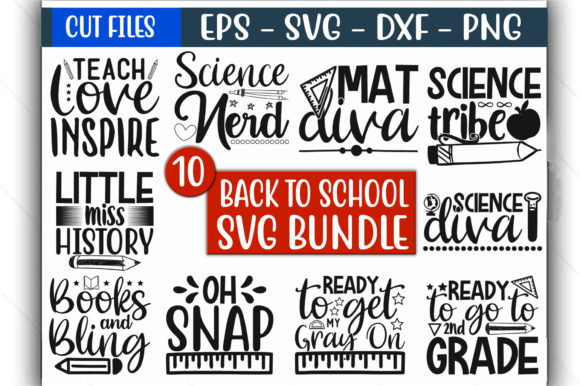
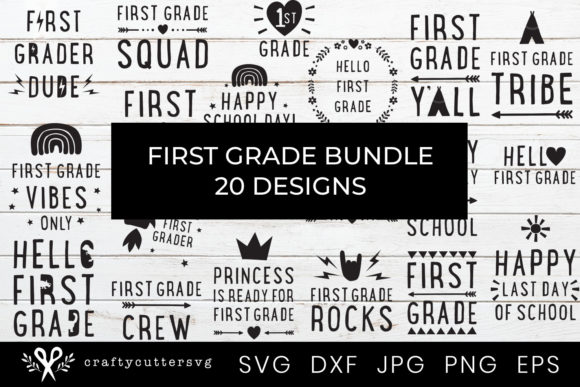
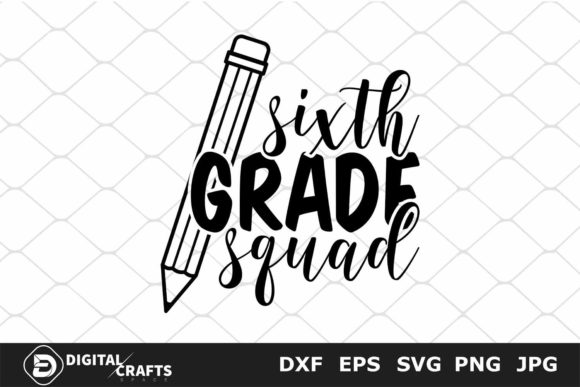
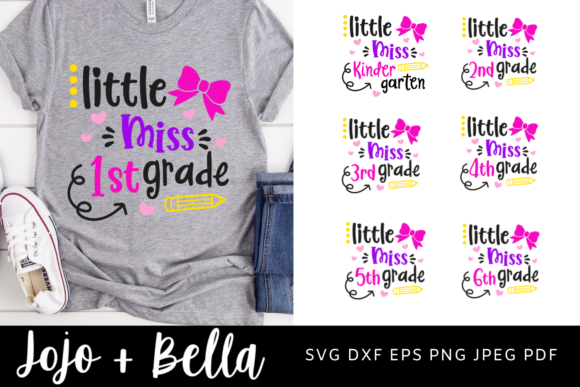
At its core, this bundle is a digital download that arrives as a single zip file containing several standard file formats: SVG, DXF, EPS, PNG, PDF, and JPEG. That range means you are not locked into one ecosystem. The SVG files are ready for Cricut Design Space and Silhouette Designer Edition. The DXF format works with ScanNCut and Silhouette Studio. EPS opens in Adobe Illustrator, Corel Draw, Make the Cut, and Inkscape. PNG files are transparent-background images you can drop into Microsoft Word or Canva. PDF and JPEG round out the set for full-page printing and web use. The designs themselves center on school grade themes, back to school motifs, and teacher- or kid-friendly graphics. You get a bundle of individual elements rather than a single composite design, so you can mix, match, and layer them as needed.
Who Actually Benefits from This Bundle
The practical value here extends across several groups. Teachers can pull the SVG files directly into Cricut Design Space to cut iron-on vinyl for classroom shirts, bulletin board headers, or student name labels. Small business owners who sell custom tumblers, tote bags, or graduation party supplies can use the PNG files for sublimation prints or the SVG files for layered vinyl decals. Bloggers and content creators can incorporate the JPEG or PNG graphics into digital invitations, social media posts, or printable planners. Hobbyists with a home heat press or cutting machine get a library of ready-to-cut designs without having to trace or digitize anything manually. Even if you only use a basic printer, the PDF files give you full-resolution pages you can cut out or frame.
Practical Applications You Can Execute Today
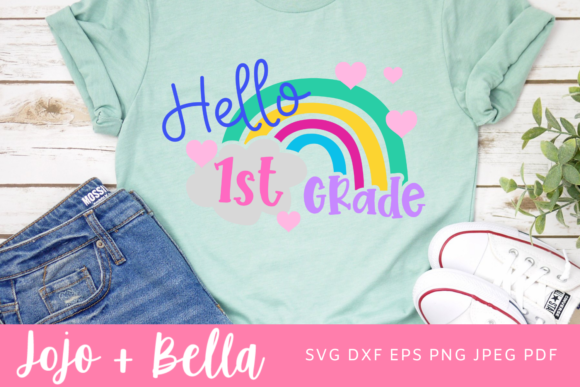
Let's be specific about what you can actually make with these files. If you own a Cricut or Silhouette, you can load the SVG into your software, resize it, and cut heat transfer vinyl to create grade-level shirts for an entire class. For example, a "First Grade" design with school bus or pencil motifs transfers cleanly onto cotton tees using an iron or heat press. If you prefer sublimation, the PNG files work with infusible ink sheets and a mug press to produce custom coffee mugs for teacher appreciation gifts. For digital use, the EPS files scale without quality loss, so you can enlarge a "Back to School" graphic for a banner or shrink it for a bookmark. The PNG files with transparent backgrounds are especially useful if you design worksheets or classroom newsletters in Word or Google Docs, because you can place the graphic anywhere without a white box around it.
Strengths That Make This Bundle Practical
One of the strongest qualities of the School Grade SVG Bundle, Back to School is the file format breadth. Many bundles offer only SVG and PNG, leaving users of older Silhouette software or ScanNCut machines unable to open the files directly. Here, DXF and EPS cover those gaps. Another strength is the instant digital delivery. You purchase, download, and start creating within minutes. There is no waiting for a physical disc or email confirmation with a delayed link. The designs themselves are vector-based for the SVG and EPS formats, which means they scale infinitely without pixelation. That matters when you are blowing up a small apple graphic to fit across a 12-inch mug or shrinking a school bus design to fit on a pencil pouch. The transparent PNG files are high resolution, so you can print them at reasonable sizes without visible jagged edges.
Efficiency Gains for Frequent Creators
If you produce multiple items per week, time savings accumulate fast. Having a pre-designed SVG set means you skip the hunt for clipart, the tracing of bitmap images, and the cleanup of stray nodes in vector software. You open the file, adjust size, and cut or print. For someone running an Etsy shop that sells personalized school supplies, this can cut design time from twenty minutes per order to under two minutes. The same logic applies to classroom volunteers who need to produce twenty identical shirts for a field trip. The consistency of vector files ensures every shirt looks the same, regardless of how many times you load the design into your cutting machine.
Realistic Use Cases and Observations
Over the past few years, I have worked with several similar bundles for seasonal and school-themed projects. The ones that deliver the most value tend to share a few traits: clean lines, recognizable subject matter, and zero reliance on low-resolution source images. This bundle fits that description. The grade-specific graphics work well for graduation ceremonies, classroom door decorations, and end-of-year thank-you gifts. One common pitfall with school-themed SVG sets is that some designs feel too generic or overly cute for older students. Here, the range includes more neutral motifs that can appeal to elementary through middle school audiences. You can pair a "School Grade" graphic with a student's name and year for a simple, professional-looking shirt that parents actually want their kids to wear.
Branding and Communication Benefits
For school administrators or PTA volunteers, consistent graphics across communication materials create a cohesive look. A back-to-school flyer, a spirit week calendar, and a volunteer appreciation card that all use the same graphic family appear more polished than materials patched together from random internet images. The vector files allow you to recolor elements easily in your design software, so you can match school colors without rebuilding the graphic. That level of control matters when you are representing a school or organization publicly. For teachers, using a consistent visual theme across classroom posters, welcome letters, and desk name tags can make the room feel intentionally designed rather than cluttered.
Practical Considerations Before You Buy
Before you download the School Grade SVG Bundle, Back to School, there are a few practical things to check. First, confirm that your cutting machine or software supports at least two of the provided formats. If you own a Cricut, SVG is your go-to. If you own a Silhouette Cameo, SVG works, but DXF may be more reliable depending on your software version. If you use a laser cutter or a plotter that supports EPS, you have that option too. Second, note that this is an instant digital download. Nothing will be mailed to you. Make sure you have a way to extract a zip file on your device, and keep a backup copy in cloud storage or an external drive. Third, check the licensing if you plan to sell finished products. Many SVG bundles allow commercial use for physical items you create yourself, but the terms vary. Confirm whether you need to credit the designer or purchase an extended license for mass production.
File Management Tips
When you receive the zip file, unzip it and organize the formats into separate folders. I recommend keeping the SVG and PNG folders at the top level, since those are the two formats most creators use daily. Name each design file clearly if it isn't already labeled, or create a simple reference sheet that matches the design name to its visual content. This step saves time later when you are in the middle of a project and need to find the bus graphic or the apple icon quickly. If you use Cricut Design Space, you can upload the SVG files as single-layer or multi-layer designs depending on how they were constructed. Test one file on a small piece of vinyl before cutting an entire batch to ensure the layers separate correctly and the cut lines are clean.
Final Thoughts on Getting the Most from This Bundle
The School Grade SVG Bundle, Back to School hits a practical middle ground: it is broad enough to cover multiple grade levels and use cases, yet specific enough that each graphic feels intentional rather than generic. For anyone who regularly creates custom school-themed items, it eliminates the repetitive task of finding, purchasing, or designing individual graphics for each project. The multi-format approach means you can work with whatever software or hardware you already own, and the instant download removes friction from the purchasing process. Whether you are making one shirt for your own child or fifty mugs for a school fundraiser, having a reliable set of vector and raster files on hand reduces the time between idea and finished product. That combination of convenience, compatibility, and creative flexibility is what makes this bundle a worthwhile addition to your design library.